| 일 | 월 | 화 | 수 | 목 | 금 | 토 |
|---|---|---|---|---|---|---|
| 1 | 2 | 3 | 4 | 5 | 6 | 7 |
| 8 | 9 | 10 | 11 | 12 | 13 | 14 |
| 15 | 16 | 17 | 18 | 19 | 20 | 21 |
| 22 | 23 | 24 | 25 | 26 | 27 | 28 |
| 29 | 30 | 31 |
- CoT
- MHA
- PEFT
- reinforcement learning from human feedback
- model context protocol
- transformer
- 트랜스포머
- Positional Encoding
- Embedding
- self-attention
- attention
- Engineering at Anthropic
- Multi-Head Attention
- BLEU
- re-ranking
- gqa
- extended thinking
- Langchain
- 토크나이저
- chain-of-thought
- fréchet inception distance
- rotary position embedding
- langgraph
- MQA
- catastrophic forgetting
- SK AI SUMMIT 2025
- flashattention
- context engineering
- RLHF
- test-time scaling
- Today
- Total
AI Engineer 공간 "사부작 사부작"
MCP Server Dockerfile로 이미지 빌드하여 Agent의 도구로 사용하기 본문
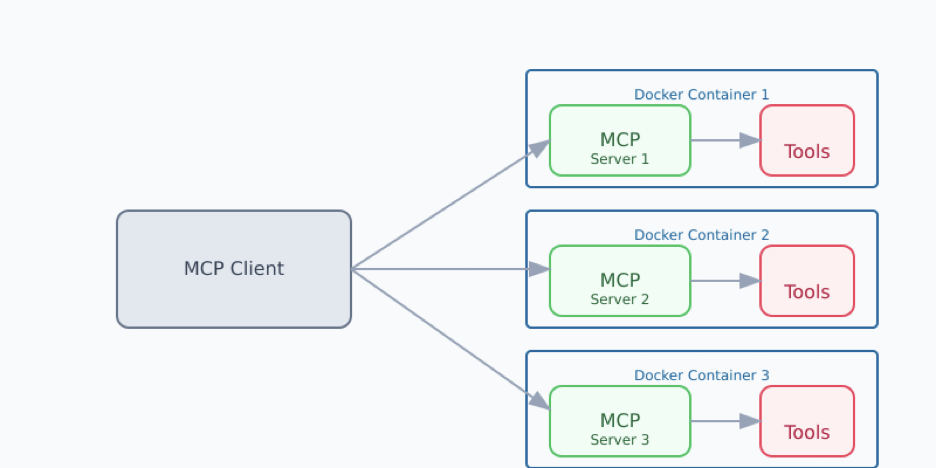
안녕하세요. 오늘은 에이전트(Agent)가 활용할 MCP 도구를 도커파일(Dockerfile)을 통해서 구현하고 결과에 대해 이야기해보겠습니다.
공식 깃허브 기준으로 우선 설명드리겠습니다. 아래의 사이트로 이동합니다.
https://github.com/modelcontextprotocol/servers
GitHub - modelcontextprotocol/servers: Model Context Protocol Servers
Model Context Protocol Servers. Contribute to modelcontextprotocol/servers development by creating an account on GitHub.
github.com
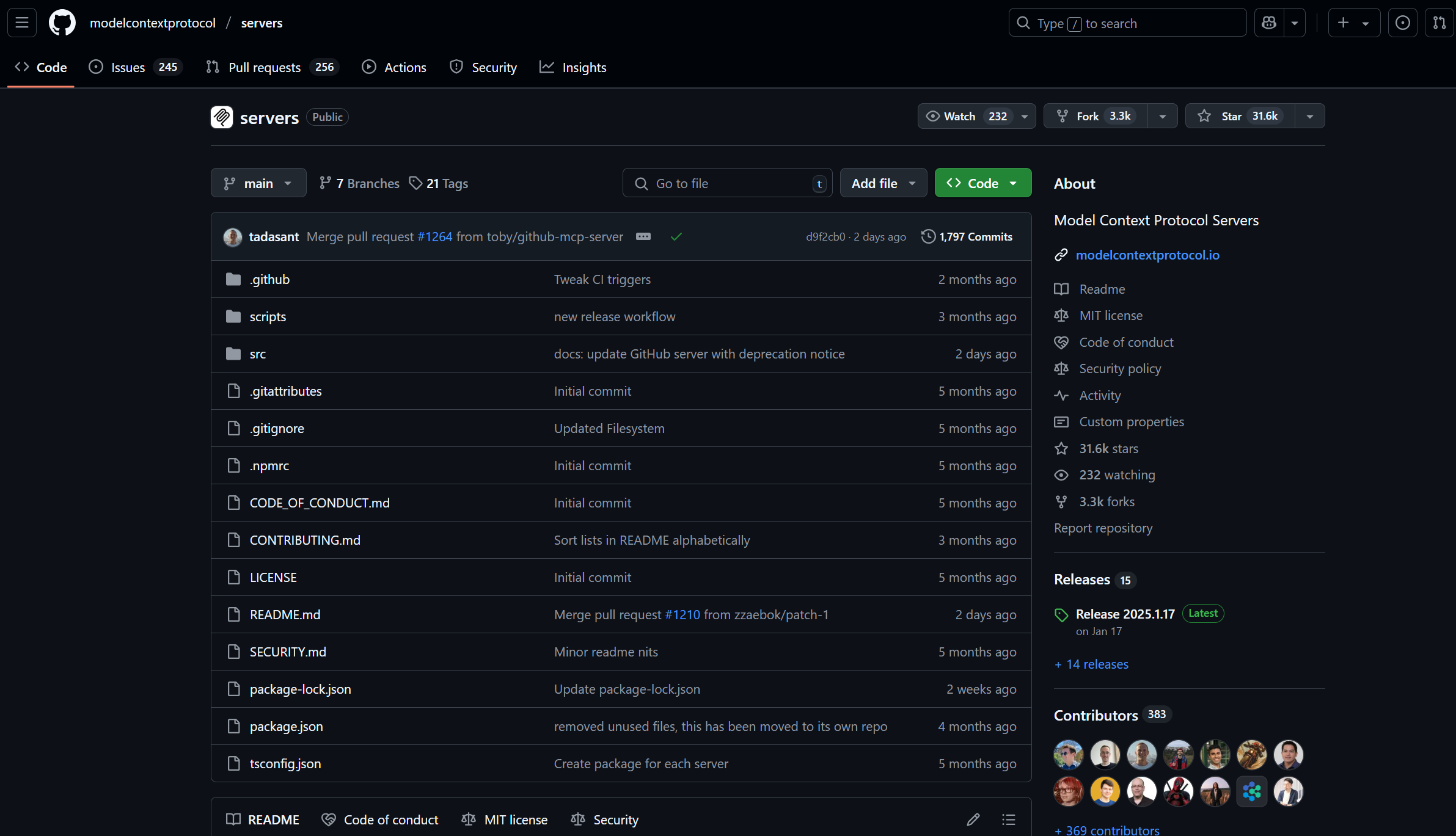
위 프로젝트를 복제합니다.
git clone https://github.com/modelcontextprotocol/servers.git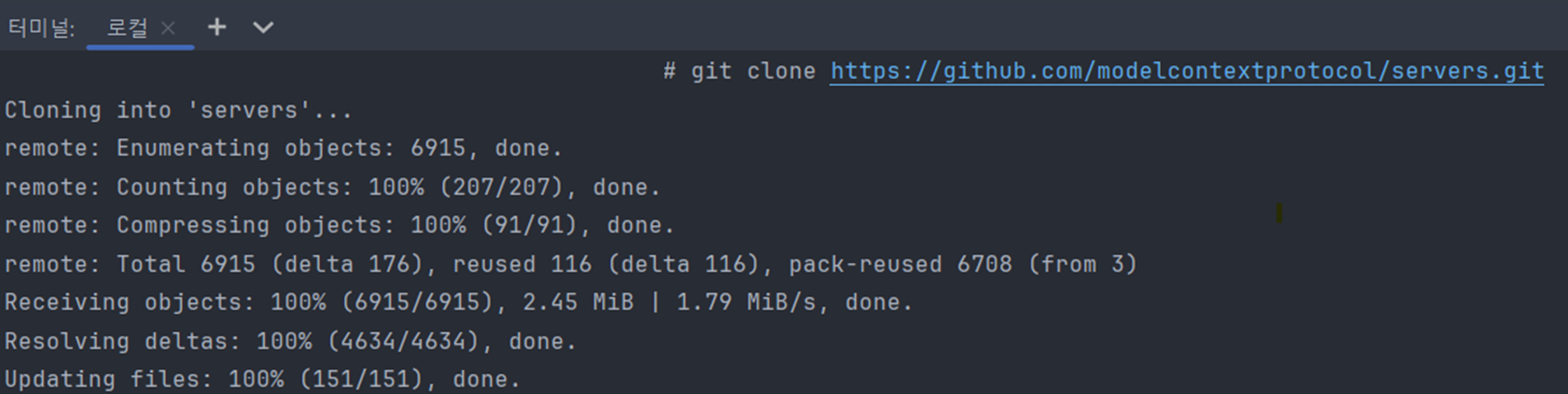
“Sequential Thinking MCP Server” 를 기준으로 예시를 작성합니다. 아래의 사이트로 이동합니다.
https://github.com/modelcontextprotocol/servers/tree/main/src/sequentialthinking
servers/src/sequentialthinking at main · modelcontextprotocol/servers
Model Context Protocol Servers. Contribute to modelcontextprotocol/servers development by creating an account on GitHub.
github.com

도커 이미지를 빌드 합니다.
docker build -t mcp/sequentialthinking -f src/sequentialthinking/Dockerfile .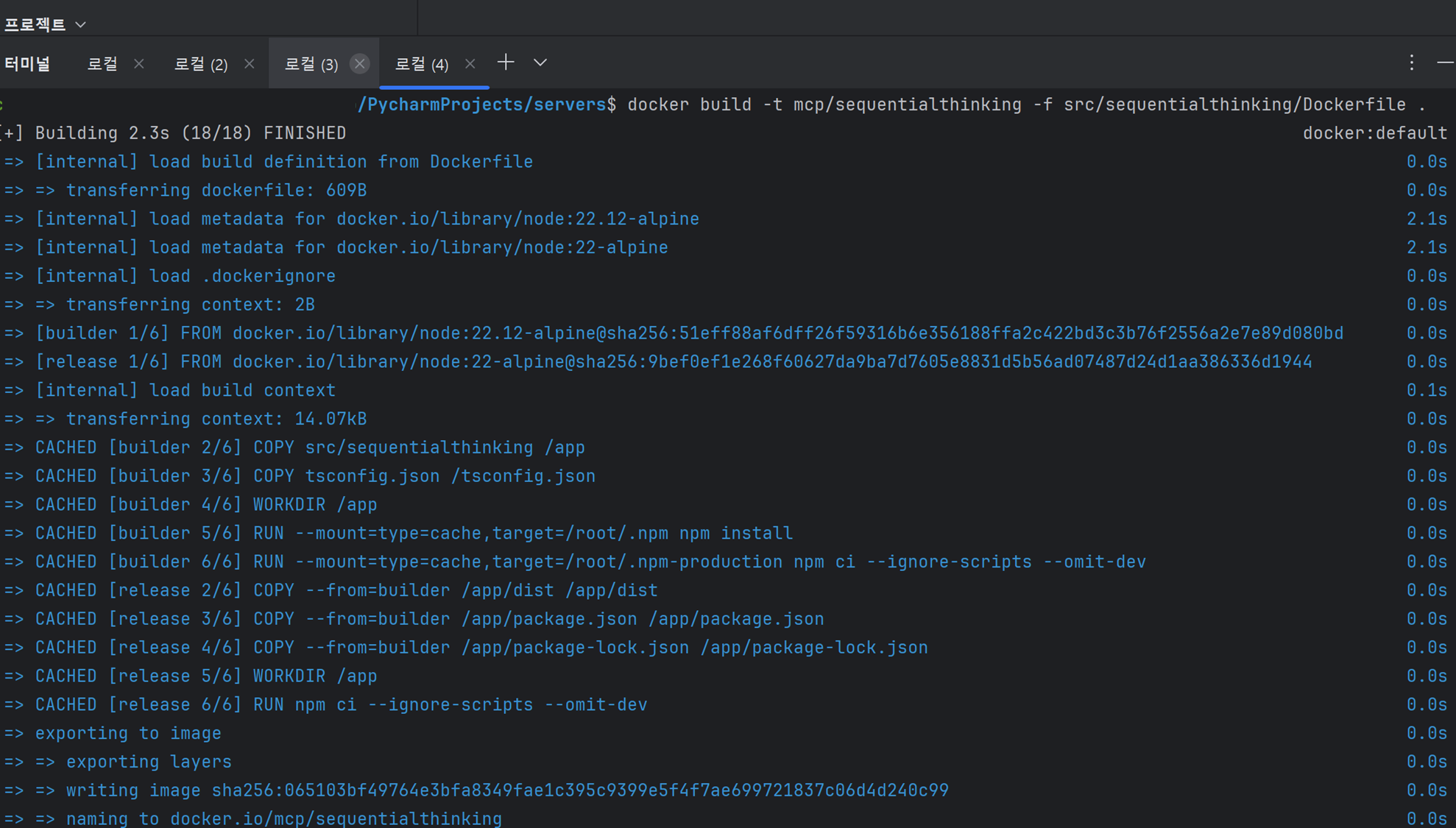
아래의 명령어로 도커 이미지 목록을 확인 합니다.(기존에 이미 설치하고 있어서 다른 이미지의 일부가 있네요)
docker images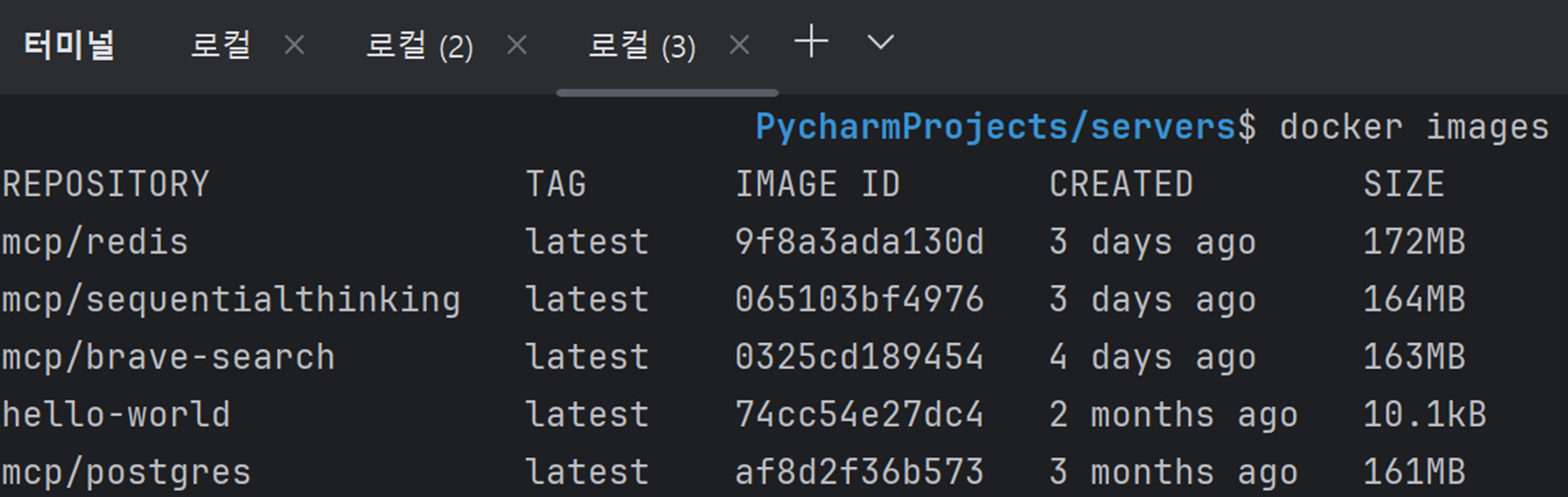
아래의 명령어로 mcp/sequentialthinking 도커 이미지를 실행합니다.
docker run --rm -i mcp/sequentialthinking
현재 실행되고 있는 도커 이미지 조회합니다.(잘 실행되고 있음을 확인 할 수 있습니다.)
docker ps
결론
에이전트(Agent)가 활용할 MCP 도구를 도커파일(Dockerfile)을 통해서 구현하는 과정을 공유해 드렸습니다. 혹시 개발하시는 서비스가 보안 때문에 격리된 네트워크 환경이라면 도커 환경을 권해 드립니다. 이 부분을 잘 활용하고 발전시키시면 더 좋은 AI 서비스를 만들 수 있으실 겁니다. 오늘도 화이팅하세요.
■ 참고자료
The Model Context Protocol: Simplifying Building AI apps with Anthropic Claude Desktop and Docker | Docker
Discover how the Model Context Protocol (MCP) simplifies building AI applications by seamlessly integrating Anthropic Claude with Docker Desktop, enhancing developer productivity and workflow efficiency.
www.docker.com